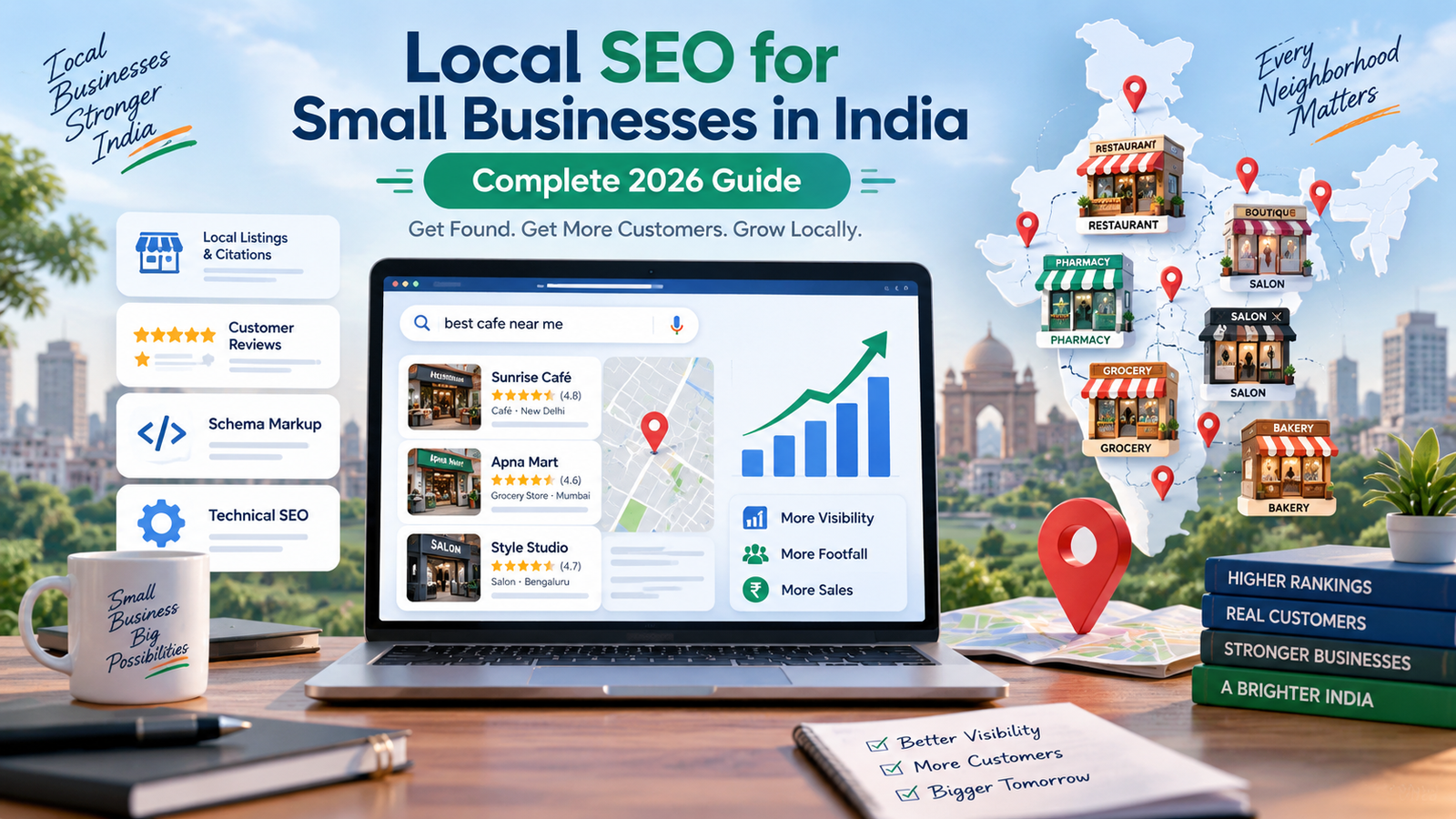
Every day, thousands of people in your city pull out their phone and type something like "best salon near me", "AC repair in Lajpat Nagar" or "CA for GST filing near me". They are not browsing. They are ready to buy, and they usually call one of the first few businesses they see.
If your business does not show up in those results, you are not losing to a better shop. You are losing to a shop that is easier to find.
The good news: fixing this does not require an agency, an ad budget or any technical skill. Most of what actually moves the needle for a local business in India is free, and you can finish the important parts this week. Here is exactly how to do it, step by step.
Why online visibility matters more than ever for Indian local businesses
Cheap data and affordable smartphones have changed how Indians shop for everyday services. A customer looking for a dentist, a tuition centre, a plumber or a bakery now checks Google and Maps before they walk in — often while sitting in an auto, five minutes away from you.
Three things are worth understanding about how this behaviour works:
Search is hyper-local. Google shows different results to someone in Rohini than to someone in Saket, even for the same query. You are not competing with the whole country. You are competing with the handful of businesses in your own locality — which is a fight you can actually win.
Discovery is happening on Maps, not just Google. A huge share of local searches start directly inside Google Maps. If your business is not on the map, you are invisible to that entire group of customers.
Trust is decided before the call. Photos, ratings, review replies and correct timings do the selling for you. A shop with 40 reviews and clear photos gets called far more often than a shop with none, even when the second shop is closer.
The goal of everything below is simple: appear where these customers are looking, and look trustworthy when you appear.
Step 1: Create and verify your Google Business Profile
If you do only one thing from this guide, do this one. Google Business Profile (earlier called Google My Business) is the free listing that makes your business appear in Google Search, in the local "map pack" of three businesses, and in Google Maps.
How to set it up:
- Go to google.com/business and sign in with a Google account you own — ideally a dedicated business email, not a staff member's personal ID.
- Enter your exact business name. Use the name on your board and your bills. Do not stuff keywords like "Sharma Dental Clinic Best Dentist in Pune" — this is against Google's guidelines and can get your listing suspended.
- Choose your primary category carefully. This single field has an enormous effect on which searches you show up for. Be specific: choose "Orthodontist" over "Doctor", "Biryani Restaurant" over "Restaurant". Add secondary categories for your other services.
- Add your address if customers visit you. If you travel to customers — electricians, tutors, packers and movers, cake bakers working from home — choose the service-area option and hide the address instead.
- Add a phone number that is answered during business hours, and a website link if you have one.
- Verify the listing. Google will ask for verification by video, phone, postcard or email depending on your category and city. Video verification is now the most common in India: you record a short continuous clip showing your locality, your signboard, your equipment inside, and finally yourself with proof of management. Keep your board, a utility bill or your GST certificate ready before you start recording.
Verification can take a few days to a couple of weeks. Do not create a second listing while you wait — duplicate listings hurt your visibility.
Then complete every single field. Business hours (including holiday hours), services with prices, payment modes accepted, attributes like wheelchair accessible, home delivery, free parking, women-led. A complete profile ranks better and converts better.
Step 2: Fix your NAP consistency
NAP stands for Name, Address, Phone number. Search engines confirm that your business is real and located where you say it is by matching these details across the internet.
The problem: most Indian small businesses have the same address written five different ways — "Shop No. 12, Main Market", "Shop 12, Mn Mkt", "12, Main Market Rd" — plus two old phone numbers still floating around.
Fix this once. Write your Name, Address and Phone in one final format in a notes file, including the PIN code, and use that exact format everywhere: your Google profile, directories, website footer, Facebook page, Instagram bio, invoices and WhatsApp Business profile. Then hunt down and correct or delete old listings with wrong numbers.
This is boring work. It is also one of the strongest local ranking factors, and almost nobody in your locality has done it.
Step 3: List your business on trusted Indian directories
Google is not the only place people search, and every good listing is another citation confirming your NAP details.
Get listed on the platforms that matter for your category — general Indian business directories, plus at least one or two that are specific to your industry (a restaurant aggregator, a wedding vendor platform, a doctor discovery site, a home services marketplace, and so on). Also claim your free Bing Places and Apple Business Connect listings, which take ten minutes each and are overlooked by almost everyone.
A few rules for listings:
- Copy-paste your NAP block exactly. No variations.
- Write a genuinely useful description of 150–300 words with your locality name in it naturally.
- Upload the same photos and logo everywhere so your brand looks consistent.
- Prefer directories that are actually maintained and indexed by Google over spammy sites that will list you 200 times for a fee.
Adding your business to a focused Indian directory like LocalBizIndia gives you a clean, indexed listing plus a citation for your NAP details — and it takes about five minutes.
Step 4: Build a steady flow of Google reviews
Reviews influence both your ranking and whether a customer picks you over the shop next door. Two businesses with identical profiles are not equal if one has 4.6 stars from 80 reviews and the other has 4.9 stars from 3.
How to get reviews without being annoying:
- Get your short review link from your Google Business Profile dashboard and save it in your phone.
- Ask at the moment of maximum happiness — right after the delivery, the haircut, the successful repair, the treatment that worked.
- Send the link on WhatsApp with a one-line message: "Thank you for visiting us today. If you have 30 seconds, a Google review really helps our small business."
- Print a small QR code of that link and keep it at the billing counter, on the menu, or on your invoice.
- Train your staff to ask. A polite verbal ask followed by a WhatsApp link converts far better than a link alone.
Never buy reviews. Fake review networks are detected regularly, reviews get wiped, and listings get suspended. The recovery is painful and slow.
Reply to every review, good and bad. Thank the positive ones in one line. For negative ones, respond calmly, apologise for the experience, and offer to fix it offline. Future customers read your replies to judge how you handle problems — a well-handled complaint can win more business than a five-star review.
Step 5: Set up WhatsApp Business properly
In India, WhatsApp is often where the actual conversion happens. Google gets you found; WhatsApp closes the deal.
Download the free WhatsApp Business app and set up:
- Business profile: same NAP details, category, hours, and website link.
- Catalogue: your products or services with photos and prices. This alone saves you dozens of "rate kya hai?" messages.
- Greeting message: an automatic reply for first-time messages.
- Away message: so nobody feels ignored after hours.
- Quick replies: saved answers for your five most repeated questions.
- Labels: to track new enquiry, quotation sent, converted, repeat customer.
Add the "Chat on WhatsApp" button to your Google profile and your website, and put your WhatsApp link in your Instagram bio.
Step 6: Get a simple website — even a one-page one
You can rank on Maps without a website, but a website gives you something no platform can take away: an asset you own, plus a place to rank for searches your listing alone cannot capture.
It does not need to be expensive. A single well-built page works, as long as it has:
- Your business name, locality and main service in the H1 heading
- What you do, who you serve, and your service areas by name
- Prices or price ranges if you can share them
- Real photos of your premises, team and work
- Click-to-call and click-to-WhatsApp buttons that are visible without scrolling
- Your full address, an embedded Google Map, and your hours
- Fast loading on a mobile phone on 4G
Write the way customers speak. If people search "AC service in Dwarka Sector 12", that phrase should appear naturally in your page — in a heading, in the text, and in your title tag. Also add LocalBusiness schema markup if your website tool supports it; it helps Google understand your details.
Step 7: Post photos and updates consistently
Profiles that stay active get shown more, and photos are the single biggest trust signal for a walk-in business.
Upload at least 10–15 real photos to start: your storefront and signboard, interiors, staff at work, products, before-and-after shots, your team. Avoid stock images — customers can tell, and they want to know what your actual place looks like.
Then keep it alive. Post a Google update once a week or fortnight: a new service, a festival offer, a customer result, a change in timings. Use the Q&A section on your profile to ask and answer your own most common questions (this is allowed and useful): parking, home delivery, appointment needed or not, languages spoken, payment options.
Step 8: Track what is actually working
Check two free dashboards once a month.
In your Google Business Profile performance tab, look at how many people found you, what searches they used, and how many clicked call, directions or website. Rising calls is the number that matters — not impressions.
In Google Search Console (if you have a website), see which search terms bring you visitors and which pages get clicks.
Then do more of what works. If "emergency plumber near me" is bringing calls, add a dedicated section or page for it.
Common mistakes that keep local businesses invisible
- Keyword-stuffing the business name. It triggers suspensions.
- Creating multiple listings for the same location. It splits your reviews and confuses Google.
- A wrong or missing map pin. Drag the pin to your exact door, not the middle of the road.
- Ignoring reviews entirely — especially the negative ones.
- Letting an agency own your listing. Always keep primary ownership of your Google account and profile in your own name.
- Giving up in three weeks. Local rankings build over months of small consistent actions.
Your 30-day action plan
Week 1 — Create and submit your Google Business Profile for verification. Finalise your NAP format in writing.
Week 2 — Complete every field on your profile. Upload 15 photos. Set up WhatsApp Business with a catalogue.
Week 3 — List your business on a trusted Indian directory, Bing Places and one or two industry-specific platforms. Fix or delete old incorrect listings.
Week 4 — Ask your last 20 happy customers for reviews. Reply to everything that comes in. Publish your one-page website or update your existing one.
Every month after — Post 2–4 updates, add fresh photos, collect 5–10 new reviews, reply to all of them, and check your performance numbers.
Frequently asked questions
Is Google Business Profile free?
Yes. Creating, verifying and managing your listing costs nothing. Anyone charging you a compulsory fee to "register on Google" is selling you a service you can do yourself.
How long does it take to show up in local search results?
Verification usually takes a few days to two weeks. Meaningful ranking improvement typically shows over 1–3 months of consistent activity, depending on how competitive your locality and category are.
Can I list my business if I work from home or have no shop?
Yes. Choose the service-area business option, hide your address, and list the areas you serve.
Do I need GST registration to list my business?
No, a GST number is not required for a Google listing. It can help as supporting proof during verification if you have one.
Should I run Google Ads too?
Only after the free foundation is in place. Ads sending traffic to an incomplete profile with no reviews is money wasted. Fix the basics first, then consider a small local ad budget.
Start with one step today
Getting found online in India is not about knowing secret tricks. It is about doing a handful of unglamorous things properly — an accurate, complete Google listing, consistent details everywhere, real photos, honest reviews and an easy way to contact you — and then not stopping after a month.
Pick one step and do it today. If your Google Business Profile is not verified yet, start there. If it is, add your business to LocalBizIndia and get one more solid listing working for you while you build the rest.